SaveToDB Connection Change Wizard in Excel
The Connection Change Wizard lets you update multiple connection strings simultaneously. It also modifies the related SaveToDB configuration data. Use this tool when migrating a database to a new server or switching from a development database to a production one.
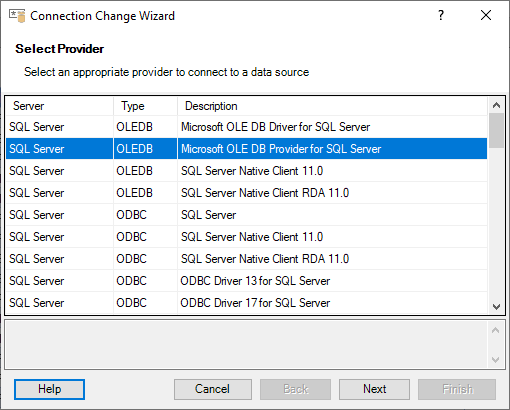
Step 1. Selecting Provider
Choose the desired data provider as outlined in the Database Connections topic.
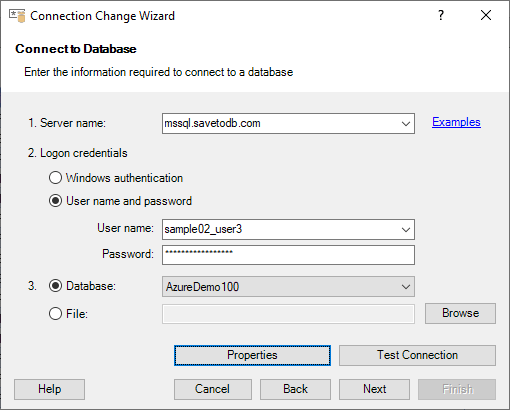
Step 2. Connecting to Database
Connect to the database as described in the Database Connections topic.
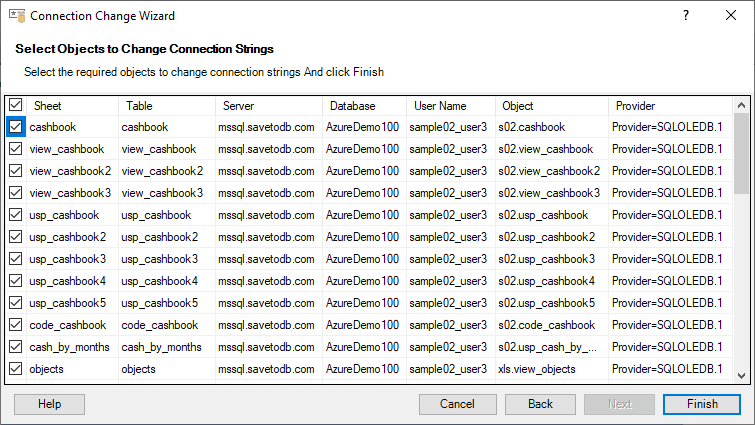
Step 3. Changing Connections
Select the tables for which you want to change connections, then click the Finish button.
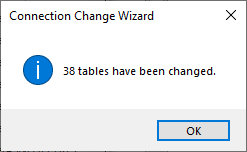
A message will appear, indicating the number of tables that were successfully updated: